


July 01, 20268 min read
How a single “orchestrator” page replaced the default OLED rotation on my Raspberry Pi 5 case, and turned the little screen into something I actually glance at all day.
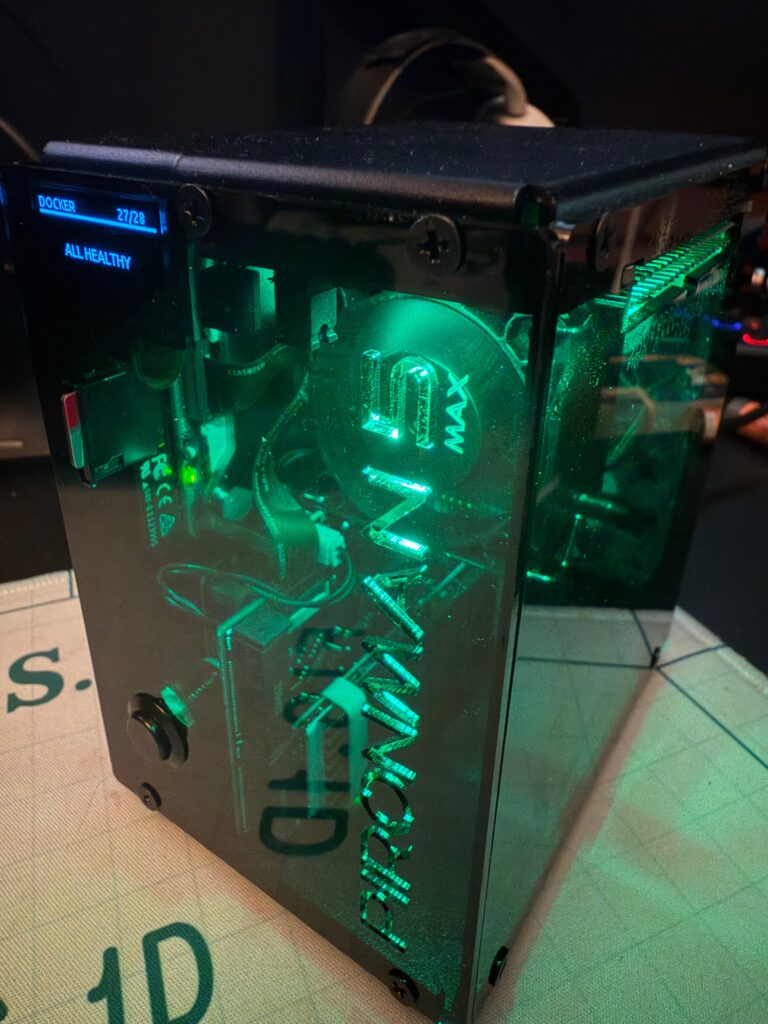
My Raspberry Pi 5 lives inside a Sunfounder Pironman5 MAX: aluminum shell, NVMe drive, a small OLED on the front, and four addressable RGB LEDs. It is a genuinely nice piece of hardware. But for the first few weeks it sat on my desk cycling the same handful of system stats on a loop. CPU, RAM, IP address, repeat. Meanwhile the actual Pi was quietly running 27 Docker containers, holding down a node in my Tailscale network, and serving half of my self-hosted life, none of which the screen ever mentioned. The face of the box said nothing about what the box did.
So I wrote a replacement. It is called pironman5-oled, it is MIT licensed, and it swaps the default page rotation for 15 info pages, 14 animated screensavers, and a health-aware alert mode. Here is the design, and how to put it on your own case.
The stock pironman5 software shows OLED pages from a flat list and advances them on a single timer. You give it a list of pages and one interval, and it cycles through them forever. That is fine until you want anything slightly smarter:
None of that fits a flat list with one timer. So instead of fighting the rotation, I sidestepped it.
The trick is to register exactly one page with pironman5, called orchestrator, and set the rotate interval so high that the stock software never advances on its own:
{
  "oled_pages": ["orchestrator"],
  "page_rotate_interval": 9999
}From pironman5’s point of view there is now a single page that never changes. From my point of view, that one page is a small state machine that decides what to draw and for how long. Info pages run for 12 seconds each, a random screensaver plays for 45, and the cycle repeats. When an alert file appears, the machine drops whatever it was doing and shows the alert until the condition clears.
  +-----------+   12s    +--------------+   45s    +-----------+
  |   INFO    |--------> | SCREENSAVER  |--------> |   INFO    |
  |  (next)   | <------- |   (random)   |          |  (next)   |
  +-----------+   skip   +--------------+          +-----------+
       |                                                 |
       |   /tmp/oled_alert exists                        |
       v                                                 v
  +-----------+                                    +-----------+
  |   ALERT   |----- alert file removed ---------> |   INFO    |
+-----------+ +-----------+Once the orchestrator owns the flow, everything else becomes easy to add: mixed timing, random screensaver selection, priority alerts, and pages that quietly skip themselves when they have nothing useful to show. The timing lives in three constants at the top of pages/orchestrator.py (INFO_DURATION, SCREENSAVER_DURATION, ALERT_DURATION), so tuning the rhythm is a one-line edit.
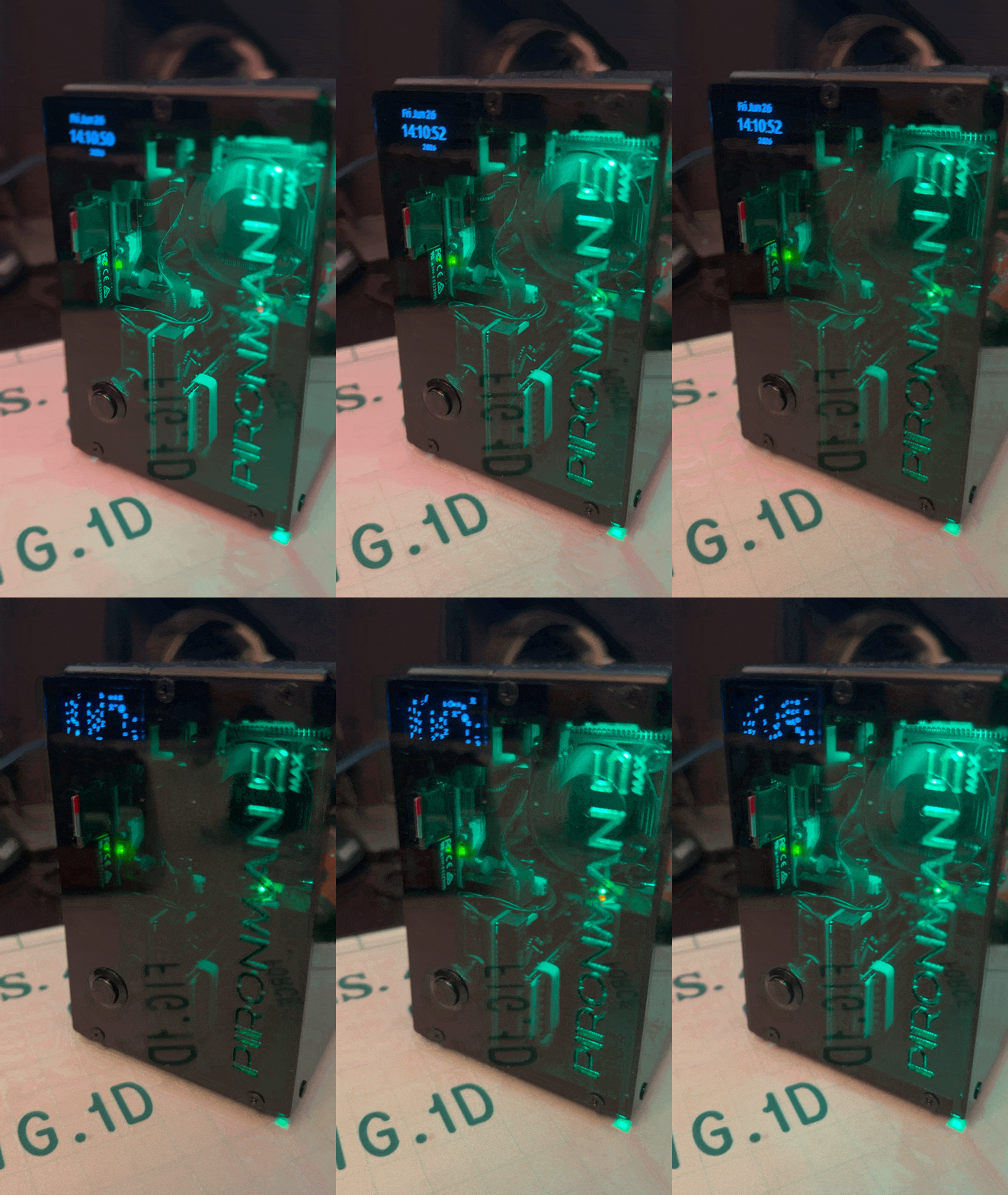
The info pages are the reason the screen earns its desk space. Some are plain system vitals; others reach out to services I already run in the homelab:
The integration pages all degrade gracefully. If a token is missing, the page shows “not configured” instead of crashing, and if a page throws at runtime, the orchestrator skips it rather than freezing the whole display. That mattered more than I expected: a single flaky API call should never take the screen down with it.
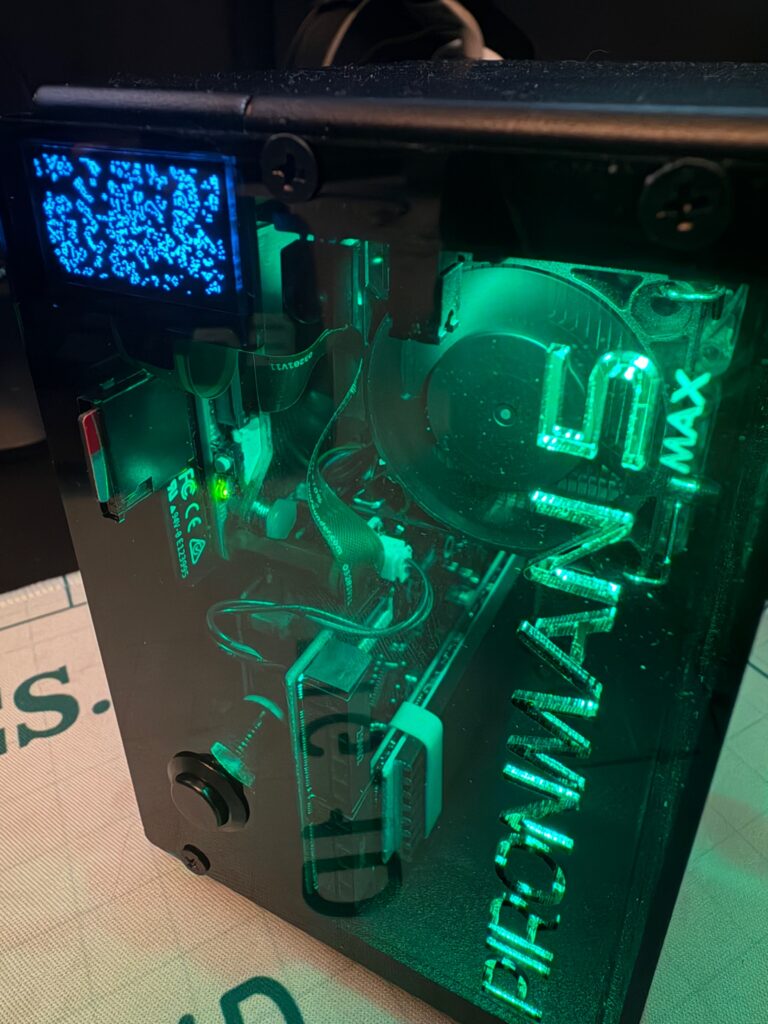
Between info pages, a randomly chosen screensaver plays: Matrix Rain, Game of Life, Starfield, Spirograph, Ocean Waves, Perlin Terrain, Particles, Pendulum Wave, Fractal Tree, Lissajous, DVD Bounce, Binary Clock, Sine Wave, and an Uptime Counter. They are not just decoration. They give your eyes a break between data-dense pages, and they make the case a small conversation piece on the desk. Matrix Rain is the one everyone recognizes; Game of Life is the one I end up watching too long.
A small health monitor runs from cron every five minutes. If it spots trouble (temperature over 80C, a disk over 95 percent, containers down) it writes /tmp/oled_alert. The orchestrator watches for that file and interrupts whatever it was showing to put the alert front and center until the condition resolves.
The four case LEDs tell the same story in peripheral vision, driven by a separate one-minute cron job: green when everything is healthy, amber on a warning like high temperature or a disk past 80 percent, red on something critical. The practical upshot is that the Pi tells me something is wrong before I have opened a single dashboard. A red glow out of the corner of my eye is a faster signal than any notification.
You need a Pironman5 MAX already running the official pironman5 software (the max branch). From there it is two commands:
# Clone to your Pi
git clone https://github.com/gfargo/pironman5-oled.git ~/pironman5-oled

# Deploy: installs the pages into the pironman5 venv and restarts the service
sudo bash ~/pironman5-oled/deploy.shThe deploy script copies the files in, updates the pironman5 config to the single-orchestrator setup above, and restarts the service. The OLED starts showing the new flow within a few seconds. Updates are the same shape:
cd ~/pironman5-oled && git pull && sudo bash deploy.shThe pages that talk to services read their tokens from /opt/pironman5/oled-secrets.env. Drop in a Plane API token, a Ghostfolio token, an Actual Budget password, a GitHub PAT, or an OctoPrint key, and the matching pages light up. Leave them out and those pages politely sit out the rotation.
Beyond that, customization is mostly editing one file. Drop a page you do not care about by removing it from the info_pages list in the orchestrator. Change the pacing with the duration constants. Writing your own page is the fun part: subclass the page base, implement a main() that draws to the display, and add it to the list. The clock page is the smallest example to copy from.
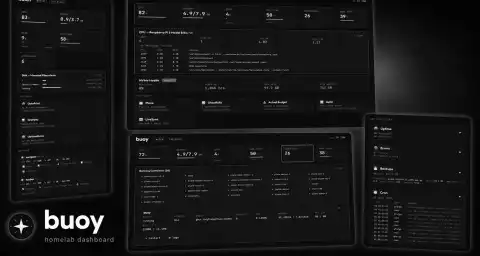
For grounding, here is what this is actually running on: a Raspberry Pi 5 (8GB) in the Pironman5 MAX with a 1TB NVMe drive, carrying 27 Docker containers (Plane, Joplin, Actual Budget, Ghostfolio, LiveSync, and friends) as one node in a three-node homelab stitched together with Tailscale. The OLED is genuinely part of my day now; I check it several times without touching a keyboard. It pairs with buoy, a small web dashboard for the same homelab, for the times I want the full picture in a browser instead of two lines on a 128 by 64 screen.
The repo is on GitHub at gfargo/pironman5-oled, MIT licensed. If you have a Pironman5 MAX cycling the same three stats in a loop, clone it and see what your Pi has to say for itself. Pull requests are welcome, especially new screensavers and new service integrations. The next thing I want to wire in is a page that surfaces buoy’s alerts directly, so the little screen and the web dashboard finally tell the same story.
Discussion
Comments are powered by Disqus. Sign in once, comment anywhere.

